

If you own an online store, you know how important it is to understand what your customers want and need. However, it can be challenging to determine this without the right tools.
That's where tools for e-commerce analytics come in. They provide you with clear information about your sales, traffic, and consumer behavior, which helps you make better decisions and increase your revenue. You'll learn about the best e-commerce analytics tools solutions that can help your business expand by using your data.
Read on to find out which one is the best fit for your business.
What are the tools for e-commerce analytics?
E-commerce analytics solutions enable online store owners to gain a deeper understanding of their businesses. These tools collect and analyze information from your online store. They illustrate what customers do, what they enjoy, and where things go wrong. Using these technologies can help boost sales and improve the overall consumer experience.
E-commerce analytics solutions are programs that enable you to track and report on data from online stores. They track sales, traffic, consumer behavior, and marketing initiatives. Store owners can use this information to make informed decisions that will help their businesses flourish.
Main Uses of Best E-commerce Analytics Tools
- Please keep track of website visitors: Determine the number of people visiting your site and their source locations.
- Observe how customers behave: Identify what items they examine, add to their cart, or purchase.
- Check total sales, revenue, and profit margins to assess the effectiveness of your sales efforts.
- Monitor your marketing activities to identify which ads or emails generate the most clients.
- Identify where customers drop off: Determine where they stop purchasing.
What kinds of data do e-commerce analytics tools collect?
| Kind of Data | What it is |
| Sources of Traffic | Where visitors come from (search engines, advertisements, social media). |
| Demographics of Customers | Customers' age, gender, location, and hobbies. |
| How well the product works | Which products are the most popular and which are not? |
| How People Shop | How clients look around, add things to their trolleys, and pay for them. |
| Rates of Conversion | The number of visitors who buy something. |
Why should you use ecommerce analytics tools?
These technologies help companies determine what works and what doesn't. They let you make quick changes to boost sales and cut costs. It gets easier to understand what customers want. This makes customers happy and marketing better.
Why use tools for e-commerce analytics?
E-commerce analytics solutions help firms determine the effectiveness of their online store. They gather information about customers, sales, and visits. This information tells us what works and what needs improvement. Selecting the right tool provides clear information that helps you make the right decisions and expand your store.
Make it easier for customers to understand
These tools keep track of how people use your website. You discover which products receive more attention and which pages lose visitors. This helps you make your store more useful for customers. Greater service and more sales come from greater knowledge.
Make marketing plans better.
Analytics tools help you identify which marketing strategies are most effective in attracting customers and generating sales. You can tell which ads are effective and which aren't. This tool helps you spend money wisely and get a better return on your investment.
Make your website work better.
Sales are influenced by how quickly a website loads, its ease of navigation, and its overall appearance. E-commerce analytics tools help identify issues such as pages that load slowly or links that don't work. Fixing these problems improves the user experience and encourages users to shop for longer.
Keep an eye on sales and income
| Feature | Benefit |
| Sales statistics in real time | Keep an eye on sales as they happen so you can make quick selections. |
| Reports on Revenue | Learn how profits change over days, weeks, or months. |
| How well the product works | Easily find the best-selling and worst-selling products. |
Use data to make choices
- Plan your business based on facts, not speculations.
- Identify trends early and adjust your plans accordingly.
- Discover the strategies your customers employ to mitigate risks.
Google Analytics for Online Stores
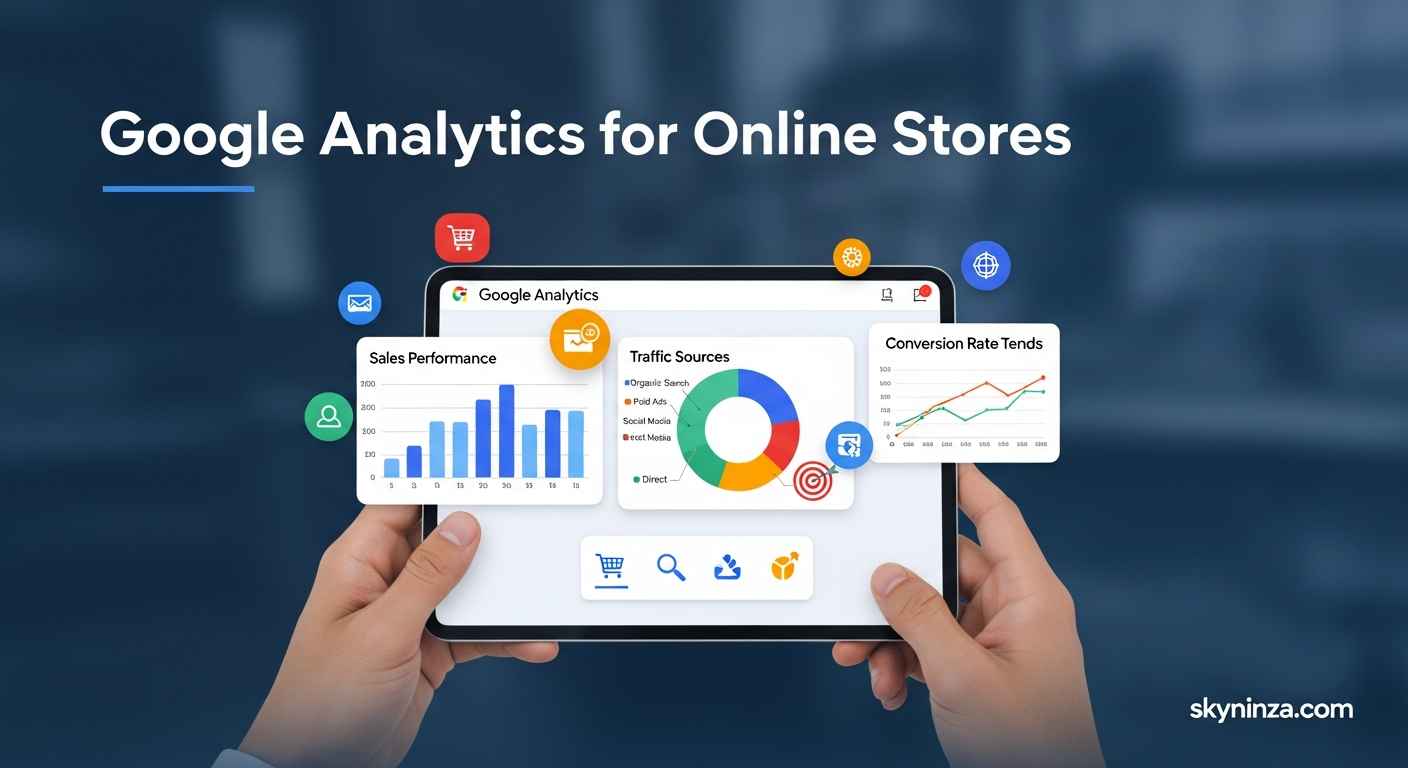
Google Analytics for E-commerce is an excellent tool for online companies to gain a deeper understanding of their customers. It tracks how people locate the store, what they view, and what they purchase. Store owners can use this information to make informed decisions that will boost sales and enhance the shopping experience for customers.
What Google Analytics keeps track of for online stores
Google Analytics gathers a lot of important information about your online store:
- Visitor Behavior: Monitor how people navigate your site.
- Traffic Sources: Identify the sources from which visitors originate, such as search engines or ads.
- Product Performance: Find out which products are selling the best.
- Conversion Rates: Monitor the percentage of visitors who make a purchase.
- Shopping Cart Activity: Monitor when customers add or remove items from their cart.
How to Set Up Google Analytics for Your Online Store
- Sign up for Google Analytics and connect your website to it.
- In the settings, turn on E-commerce Tracking.
- Put the tracking code on the pages of your website.
- Use Enhanced E-commerce to get deeper information.
- Verify that the data is being collected accurately.
Why You Should Use Google Analytics for Your Online Store
| Feature / Benefit | Description |
| No cost to use | It gives you powerful tools for free. |
| Reports with a lot of information | Shows exact information on customers, sales, and products. |
| Information About Customers | Helps you learn about your shopping habits and likes. |
| Makes marketing better | Shows which ads and channels bring in the most customers. |
| Tracks the Sales Funnel | Determines where customers drop out of the checkout process. |
Important Google Analytics Metrics to Watch for Ecommerce
- Revenue: All the money made from sales.
- Average Order Value (AOV): The average amount of money spent on each order.
- The cart abandonment rate refers to the percentage of individuals who leave a shopping cart without making a purchase.
- The frequency at which a product leads to a sale is referred to as the product conversion rate.
- Customer Lifetime Value (CLV): The entire value a customer is expected to bring over time.
Things to Think About When Picking the Best E-commerce Analytics Tools
Selecting the right e-commerce analytics software is crucial for understanding your customers and driving success in your online business. The right tool makes essential facts easy to see, which helps you make rapid, wise choices. There are numerous options, but selecting software that meets your business needs will save you time and money. Before making a choice, consider the following essential factors.
Works with Your E-Commerce Platform
Ensure that the analytics tool integrates seamlessly with your e-commerce platform. Some tools are made just for platforms like Shopify, WooCommerce, and Magento. This feature ensures that data flows automatically, eliminating the need for manual intervention.
- Easy to set up: Look for alternatives that are plug-and-play or easy to set up.
- Support for numerous platforms: This is especially helpful if you sell on more than one site.
- Syncing data: Real-time updates to data speed up decision-making.
Features for tracking and reporting data
Good analytics software tracks significant numbers and presents them clearly in reports. Find tools that cover the most critical data points for you.
| Important Numbers | What it is |
| Rate of Conversion | The conversion rate indicates the percentage of visitors who make a purchase. |
| How Customers Act | It tracks clicks, time spent on the page, and the paths people take while browsing. |
| Trends in Sales | Shows how sales go up or down over time. |
| Leaving the Cart | Counts the number of people who depart before making a purchase. |
Reports should be simple to read. Verify whether the dashboards can be modified and if they can be exported.
User-friendliness and Support
Select software that your team can use every day without any issues. Tools that are too complicated can make work take longer.
- Easy-to-use interface: Simple layouts and labels make it easy to learn quickly.
- Onboarding proceeds more efficiently with the use of training materials, such as tutorials and instructions.
- Customer service: Quick help is essential for resolving issues promptly.
Cost and Pricing Structure
Be careful when you compare costs. Some tools have monthly prices, while others have yearly plans.
- Free trials: Try out the tool before you buy it.
- Tiered pricing means you only pay for the features you need.
- Extra costs: Please note that additional charges may apply if the number of users exceeds the limit or if data usage exceeds the allocated limit.
Safety and privacy of data
Maintaining the security of client data is crucial. Choose tools that meet high security standards.
- Data encryption: It protects data while it's being sent and stored.
- Compliance: The program must comply with all applicable laws, such as the CCPA and GDPR.
- Access control: This limits who can see private information.
A guide to the top 8 tools for measuring the performance of an online store
To expand and succeed, you need to understand how well your online store is performing. Utilizing the correct analytics tools enables you to track sales, consumer behavior, and marketing results effectively. This section discusses the eight best analytics tools for e-commerce. We review the key aspects of each instrument, including its advantages and disadvantages, primary features, and pricing. This article will help you select the right tool for your store's specific needs.
Google's Analytics
Properties:
- Keeps track of website traffic and how users act
- Tracking ecommerce and conversion funnels
- Dashboards and reports made just for you
- Working with Google Ads and other platforms
| Pros | Cons |
|---|---|
| ✔️ Free to use and gives you helpful information | ❌ A lot to learn for beginners |
| ✔️ In-depth reports on e-commerce | ❌ Limits on data sampling for big websites |
| ✔️ Works well with a lot of different platforms |
Prices: The standard version is free; however, Google Analytics 360 costs $150,000 per year.
Mixpanel
What it has:
- Focus on keeping and getting users to use your product
- Advanced cohort reporting and funnel analysis
- Tracking data in real time
| Pros | Cons |
|---|---|
| ✔️ Easy to see how users act on your site | ❌ Limited data points with free plans |
| ✔️ Flexible event tracking for custom goals | ❌ Pricing can climb fast as usage grows |
| ✔️ Works well for stores selling products |
Pricing: Free for up to 100,000 tracked users each month; premium subscriptions start at $25 per month.
Kissmetrics
Characteristics:
- Tracking the customer journey
- Segmentation based on behavior
- Reports on revenue and customer retention
| Pros | Cons |
|---|---|
| ✔️ Puts the most value on a customer’s lifetime | ❌ Too expensive for small firms |
| ✔️ Simple to keep track of marketing campaigns | ❌ Some reports don’t allow for significant changes |
Pricing: Plans start at $299 per month, but a custom price can be negotiated upon request.
Adobe's Analytics
Characteristics:
- Reporting and visualizing data in more advanced ways
- Insights from AI and predictive analytics
- Bringing together data from different channels
| Pros | Cons |
|---|---|
| ✔️ Reports that can be changed a lot | ❌ Hard to set up and hard to learn |
| ✔️ Works well with Adobe products | ❌ Costly for tiny shops |
Pricing: You can obtain a customized price based on the size of your business and your specific requirements.
Hotjar
Things that are included:
- Users clicked on heatmaps to see where they clicked.
- People utilize visitor records to watch user sessions.
- Surveys and polls for feedback
| Pros | Cons |
|---|---|
| ✔️ Visual information about how users act | ❌ Not enough numbers |
| ✔️ Simple to set up and utilize | ❌ Works best with other analytics tools |
Pricing: You can opt for a free plan with limited features. Paid plans start at $39 per month.
Crazy Egg
Things that are included:
- Maps that show heat and scroll
- Tools for A/B testing
- Recordings of user sessions
| Pros | Cons |
|---|---|
| ✔️ Easy-to-read visual reports | ❌ No in-depth tracking of e-commerce |
| ✔️ Helpful for making the user experience better | ❌ Few integrations |
Pricing: Plans start at $24 per month, and you may try them out for free for 30 days.
Heap Analysis
Things to note:
- Event tracking that happens automatically without coding
- Data about users and conversion funnels
- Cohort and retention analysis
| Pros | Cons |
|---|---|
| ✔️ No need to tag events by hand | ❌ Free version limits users to 10,000 sessions per month |
| ✔️ Good for quickly setting up data | ❌ Some sophisticated features only in premium programs |
Pricing: Free for up to 10,000 sessions per month; premium plans start at $399 per month.
Segment
Things that make it special:
- Gathers and sends client information
- Works with more than 300 tools
- Syncing data in real time
| Pros | Cons |
|---|---|
| ✔️ Brings together data from many places | ❌ Doesn't provide you with straight analytics |
| ✔️ Data pipelines that are easy to handle | ❌ Can be expensive for a lot of data |
Pricing: A free plan is available, and paid subscriptions start at $120 per month.
Combining Marketing with Analytics
For e-commerce to be successful, marketing and analytics must work together. It helps companies understand how customers behave, assess the effectiveness of their campaigns, and refine their plans. When you use analytics tools and marketing together, you can make better decisions and get better outcomes.
How analytics can help marketing plans
Analytics gives you clear information about what works and what doesn't in marketing campaigns. Marketers can keep an eye on:
- Demographics of customers
- How people buy
- Popular things
- Sources of traffic
- Rates of conversion
This information tells you which campaigns generate the most sales and where to allocate your marketing budget. It also helps you send the correct messages to the right people, which makes marketing work better.
Tools for Easy Integration
Many e-commerce analytics tools integrate well with marketing platforms. Some well-known tools are:
| Tool for Analytics | Platform for Marketing | Features for Integration |
| Google's Analytics | Ads on Google and email marketing | Tagging automatically, making lists of audiences, and measuring conversions. |
| Hotjar | Ads via social media and email campaigns | Heatmaps, feedback from users, and recordings of visitors |
| Mixpanel | Email and CRM tools | Tracking events, analyzing funnels, and splitting up users. |
How to Use Analytics in Marketing
- Select analytics tools that integrate with the marketing platforms you use.
- Set explicit goals to track the effectiveness of your campaign.
- Use APIs or built-in integrations to connect tools.
- Monitor key metrics, including clicks, conversions, and sales.
- Review the data regularly to adjust your marketing strategies.
Advantages of combining analytics and marketing
- Better targeting of customers: Send offers to the correct people.
- Better return on investment: Use your marketing spend carefully.
- Faster decision-making: Get real-time information on campaigns to help you make wise choices.
- Enhance client experience: Personalize messages and deals to provide customers with a more engaging experience.
- Exact performance tracking: Find out what matters most.
In conclusion
Selecting the right ecommerce analytics tools makes it easier to monitor sales and consumer behavior. These tools provide you with accurate information that can help you improve your online store. They demonstrate what works and what needs improvement. Small firms can use simple tools, while larger businesses should utilize more complex ones.
Every day, use data to make wise choices. Learn about the characteristics of one tool first. Better analytics lead to better results and happy customers. Take the time to find what works best for you. To be successful, you need to be thoroughly familiar with your store's figures.
FAQs About Best E-commerce Analytics Tools
What do people use ecommerce analytics tools for?
Tools for eCommerce analytics track sales, customer behavior, and website performance to improve online stores.
Do online stores work with e-commerce analytics tools?
Most tools work well with systems like Shopify, WooCommerce, and Magento, ensuring that data flows smoothly.
What is the best e-commerce analytics tool for beginners?
Google Analytics is easy to use and gives novice users the basic e-commerce tracking they need.
How do tools for e-commerce analytics help boost sales?
They help you make better marketing and stock decisions by showing you customer patterns and how well your products are selling.
Can tools for e-commerce analytics track customer behavior?
Yes, they track clicks, time spent, and transactions to understand how people shop.
Are E-commerce Analytics Tools Costly to Use?
Many tools offer free versions or affordable plans for small and medium-sized organizations.


