
To grow your website and increase visitors, it's essential to understand where your traffic originates. What is Direct Traffic in Google Analytics, and why is it important? Direct traffic in Google Analytics is a big piece of the puzzle. Understanding what direct traffic means can help you determine how many people are visiting your site directly, without clicking on links from other sites. This information is crucial for tracking your website’s performance and improving your marketing strategies.
This information can help you assess the strength of your brand and the level of devotion from your audience. Read on to discover what direct traffic is and how it can benefit your website.
Basic Information About Direct Traffic
To understand your website visitors, you need to know where they came from. If someone types your URL directly into their browser or uses a bookmark to get to your site, Google Analytics will display you direct traffic. This traffic is crucial because it typically indicates that people are already familiar with your brand or website.
What Is Direct Traffic?
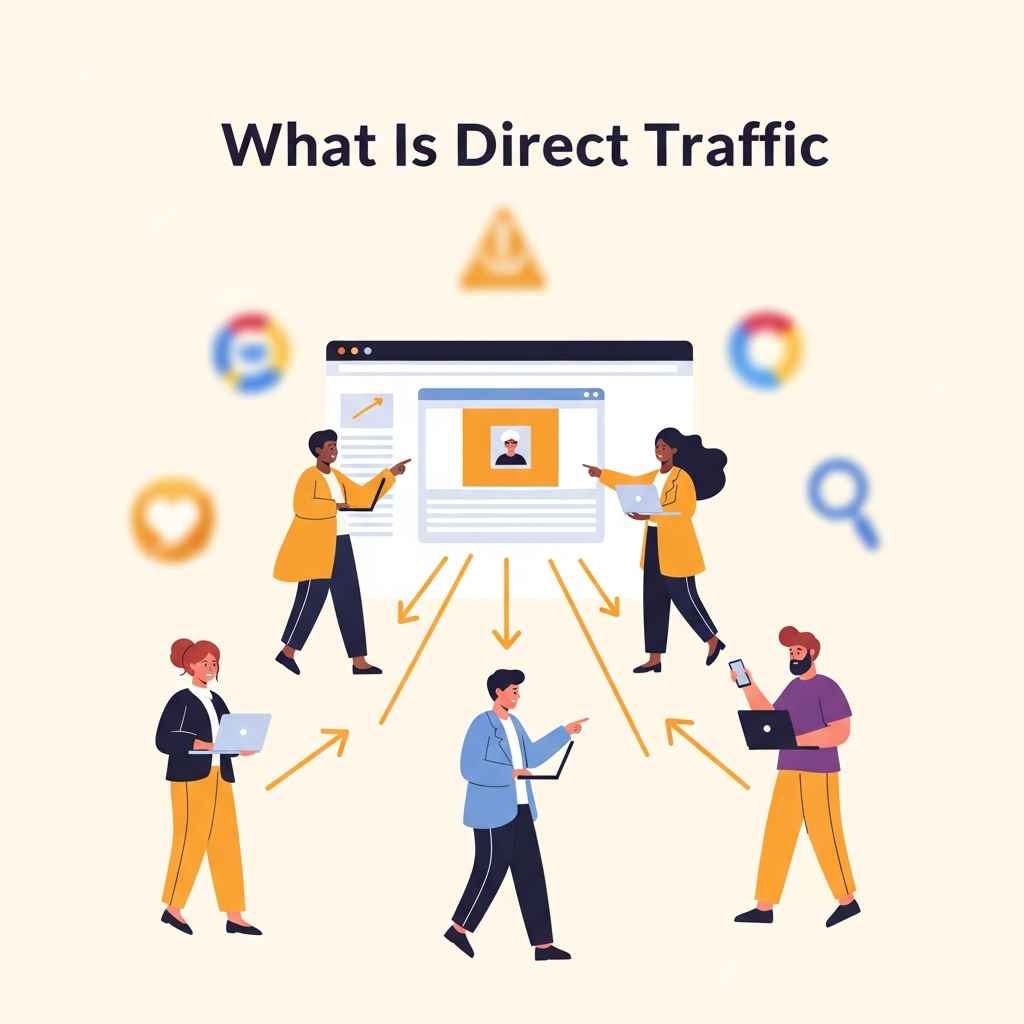
Visitors who come directly to your site are part of direct traffic.
- Put the address of your website right into the browser.
- You can access your site using bookmarks.
- Click on links in emails, documents, or apps that don't have tags.
- You can go from secure sites (HTTPS) to non-secure sites (HTTP) by clicking on links.
- Google Analytics categorizes these visits under the "Direct" channel because it cannot determine the source of these visits.
Why Direct Traffic Is Important
Direct traffic shows that people are faithful. These are visitors who come to your site intentionally, without needing to search or use ads. A significant amount of direct traffic indicates that people are familiar with your brand and have confidence in it. It also allows you to track offline initiatives, such as print ads or word-of-mouth, which often lead people to visit your site directly.
How Google Analytics Keeps Track of Direct Traffic
Type of Traffic | What Google Analytics Sees |
Typed URL or Bookmark | Direct Traffic |
Link with UTM Tags | Campaign Source |
Link from HTTPS to HTTP | Often Direct Traffic |
Links in Some Emails or Apps | Direct Traffic (if there are no tags) |
Things People Get Wrong About Direct Traffic
- Not everyone who types in your URL goes directly to your site.
- Some links that lack tracking codes also appear as direct traffic.
- It doesn't always indicate that people are coming back.
- Technical problems or incomplete data can cause the number of direct traffic to increase.
Where Direct Traffic Comes From
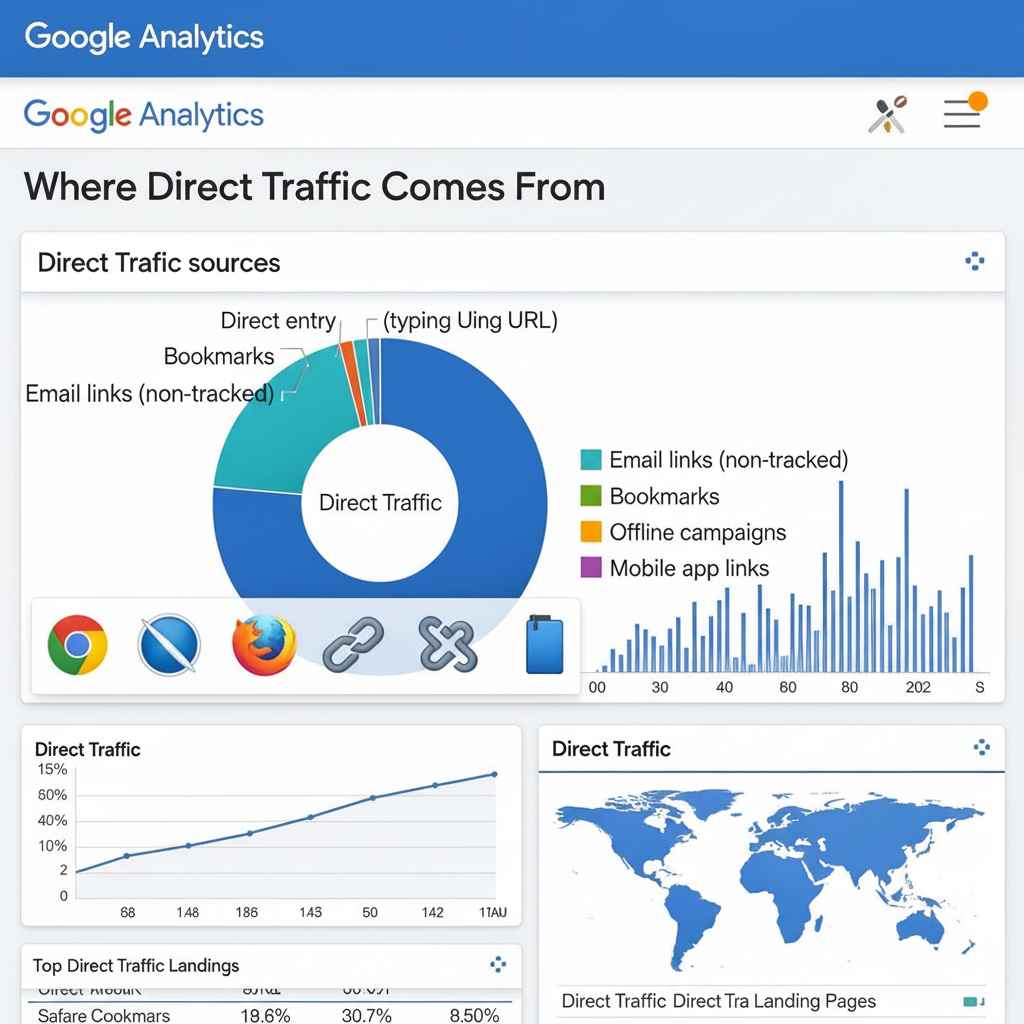
In Google Analytics, "direct traffic" refers to users who visit your site without using a search engine or other referral source. These individuals either manually type your URL or use bookmarks. You can learn how people reach your site without referral links by examining where your direct traffic originates. This information will help you improve your marketing and website plans.
What Is Direct Traffic
Visitors who come directly to your site are called direct traffic.
- Put the address of your website into their browser.
- Use a bookmark you saved to go to your site.
- Click on links from sources that aren't tracked, like some apps or emails.
- Visit from a browser that doesn't send any referral data because of privacy settings.
Not everyone who visits your site directly is familiar with it. Some of the traffic originates from sources that are unknown or have issues with tracking.
Direct traffic usually comes from these sources:
Source | Description |
Bookmarks | Visitors can bookmark your page and return later without needing to click on links. |
Typed-in URLs | People type your website address right into their browser. |
Apps that don't work on the web | Links shared in programs or software that don't send referral data. |
Safe Browsing | Visitors arrive from HTTPS sites that don't indicate their origin. |
Browsing in Private | Some browsers suppress referral data to protect privacy. |
How Tracking Problems Affect Direct Traffic
Problems with tracking lead to more direct traffic. Some common issues are:
- Tracking codes that are missing or damaged on your site
- Redirects that get rid of referral information
- Links sent in emails without the proper tags
- Browser privacy settings that stop data
Fixing these problems lowers the amount of erroneous direct traffic and makes reports more accurate. Why it's important to know about direct traffic:
- Identify loyal visitors who consistently return.
- Identify covert marketing channels, including offline advertisements.
- Identify tracking issues that require attention.
- Enhance the overall user experience.
Challenges with tracking
To make your website work more effectively, it is essential to understand your target audience. When considering What is Direct Traffic in Google Analytics, it refers to individuals who visit your site without a clear path to get there. It can be hard to keep track of this kind of traffic. It typically combines diverse types of visitors, making it impossible to determine their true origin. When you have trouble tracking things, it becomes more challenging to analyze this data and apply it to improve your marketing.
What Makes It Hard to Track Direct Traffic?
Visitors who type your URL directly or utilize bookmarks are part of direct traffic. However, it also tracks visits for which Google Analytics can't locate any referral data. This happens due to:
- Links that don't have tracking parameters
- Links from safe (HTTPS) sites to sites that aren't secure (HTTP)
- Browsers that block referral data
- Emails or documents that don't have tracking tags
- Links from apps on phones or other places
How spam and bots affect direct traffic data
Bots and spam may appear as direct traffic, which can skew your analytics. These automatic visits make your metrics appear better, but they also obscure what genuine users actually do. Finding and filtering them is crucial to maintaining clean data.
Problem | Effect on Direct Traffic |
Bots | Fake visits increase the number of direct traffic reports. |
Spam Referrals | Often misreported or disguised, contributing to inflated or misleading direct traffic figures. |
Making Direct Traffic Tracking More Accurate
To minimize mistakes in direct traffic data, you need to take action. Steps are as follows:
- All marketing links should include UTM attributes.
- Make sure your site uses HTTPS.
- In Google Analytics, you may block known bots and spam.
- Use the correct tags to track email links.
- Regularly check test tracking to identify any issues that may arise.
What it means for audience insights
Knowing who your audience is can help you create more effective marketing plans and enhance the performance of your website. The number of people who visit your site by typing in the URL or using bookmarks is referred to as direct traffic in Google Analytics. This type of traffic has a significant impact on your understanding of your audience. It displays the number of loyal visitors and how well people are familiar with your business. Analyzing direct traffic reveals how visitors behave, helping you create content that meets their needs.
What Direct Traffic Can Tell You About Your Audience
- Direct traffic shows that people are familiar with your brand. These guests often:
- Come back to your site often.
- Have faith in your content or goods.
- Use bookmarks or put in the URL
- You can share your site offline.
This type of traffic indicates that people are aware of your brand and have a loyalty to it. It helps you find the people who are most interested in your site. Problems with Understanding Direct Traffic Data. Sometimes, direct traffic might be deceiving. Some reasons are:
- Not getting referral information from emails or applications.
- Links that don't have tracking parameters
- Private browsing or settings in your browser that block referrer data. These things make it hard to see the whole journey of the audience. To grasp the entire picture, you need to look at other data points.
Using direct traffic to target your audience better
Looking at direct traffic helps make marketing more effective. Things to think about doing:
- Attract loyal visitors and offer them exclusive access to premium content.
- Enhance the experience for returning users.
- Promote offline visits to encourage people to visit in person.
- For more information, use surveys or feedback tools.
Direct traffic insights enable you to create targeted plans that enhance engagement and retention.
Making Direct Traffic Analysis Better
Google Analytics provides direct traffic, which refers to visits that go directly to your website without being redirected. These individuals either enter your URL, use bookmarks, or click on links that lack tags. Better direct traffic analysis helps you learn about genuine users and their sources.
Finding the Sources of Direct Traffic
Direct traffic typically refers to the origin of the traffic. Look at these familiar sources:
- Bookmarks and typed URLs: People who save or remember the address of your site.
- Links from emails or apps that aren't tracked: traffic without tracking codes.
- Links from secure sites (HTTPS to HTTP): Browsers may not allow referral data to pass through.
- Traffic via app links or PDFs can come from mobile apps or documents that are not connected to the internet.
Knowing these things can help reduce unknown direct traffic. Use tools to tag links or make your own campaigns to keep a better track of things.
How to Use UTM Parameters to Keep Track of Traffic
UTM parameters put tags on URLs. They let Google Analytics know where people came from. Follow these easy steps:
- Put ?utm_source=source at the end of your URL.
- To specify the channel, add &utm_medium=medium.
- To find the campaign, add &utm_campaign=name.
By showing exact origins, UTM tags reduce direct traffic. This helps make marketing plans better.
Looking at landing pages for direct traffic
Find out which pages get the most direct traffic. This shows what users are interested in and how they got there.
Page of Landing | Direct Traffic % | Suggested Action |
/home | $40%$ | Improve the content and usability of the homepage. |
/blog/post-1 | $25%$ | Include CTAs (Calls-to-Action) and internal links. |
/contact | $15%$ | N/A |
Enhance the contact form and reduce the time it takes to receive a response. To enhance user experience and engagement, prioritize popular landing pages.
Things That Work Well With Google Analytics
Google Analytics tells you how people find and use your site. Sometimes, people go straight to your site by entering your URL or utilizing bookmarks. This is what people refer to as direct traffic. By understanding this traffic, you can gain a deeper understanding of your actual audience.
Google Analytics is a powerful tool, but it works best in conjunction with additional technologies. If you’ve ever wondered, “What is Direct Traffic in Google Analytics?” using other tools alongside Google Analytics can help you understand this concept more clearly and provide you with more accurate facts. They help reduce unknown sources and improve your site's performance.
Using UTM parameters to make data more accurate
Tags that are added to URLs are called UTM parameters. They track the origin of visitors, making it easy to determine the source of traffic.
- utm_source: Shows where the traffic came from (such as a mailing or Google).
- utm_medium: Shows the medium, like email or social media.
- utm_campaign: This is the name of the marketing campaign.
By explicitly marking links using UTM tags, direct traffic goes down.
Heatmaps to Learn About How Users Act
Heatmap tools enable you to see where people click, scroll, and spend time on your website. This information helps improve the layout and content of the page.
- Find the most popular parts.
- Find places that users ignore.
- Better positioning of calls to action.
Tools for replaying sessions
Session replay tracks the actions of visitors on your website. Observe real user sessions to see how they navigate.
- Find problems with navigation.
- Find out why guests leave.
- Find places where there is friction.
Widgets for Customer Feedback
Feedback widgets enable people to rate or share their opinions on various topics. This direct input helps us better understand what visitors want.
- Quick surveys.
- Systems for rating.
- Feedback in open text.
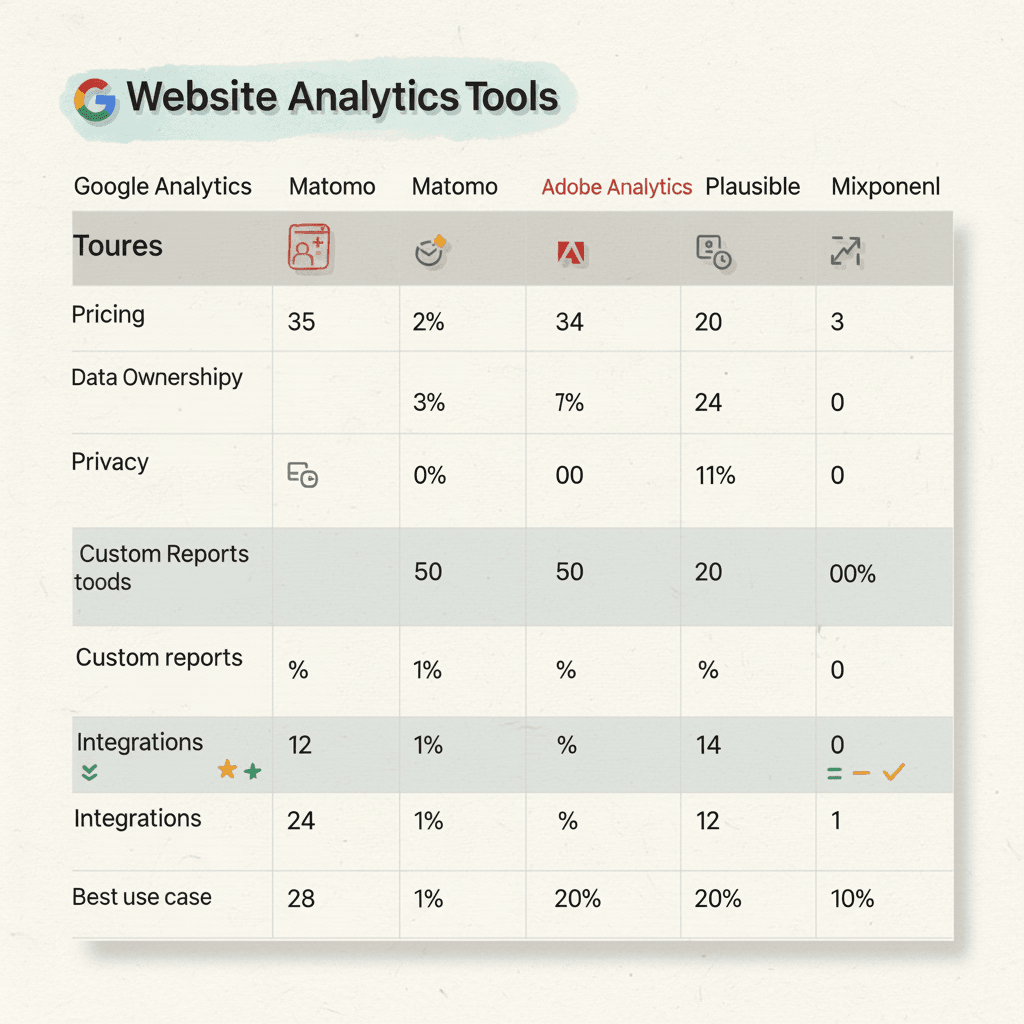
Google Analytics and Other Tools Compared in a Table
In conclusion
You can see who visits your site directly by understanding direct traffic. It indicates people who come back to your site and trust your brand. Keeping track of this information helps you make better choices for your website. You find out which pages get people to come back. This information enhances the content and user experience.
Monitor direct traffic to grow your site steadily. Simple actions help you make better marketing decisions. Direct traffic shows that people are very interested in your site. Use it to engage your audience more effectively.
FAQ
How can I look at direct traffic sources on my analytics dashboard?
Look at the "Direct" channel on your analytics dashboard. Find out how many users, sessions, and pageviews come from direct traffic. Sort landing pages to see which URLs get the most direct traffic. Look for trends. If you detect a spike, look for missing or broken UTM parameters and tracking links.
Which analytics tools give you extensive information on direct traffic?
Google Analytics, GA4, Matomo, and Adobe Analytics all display metrics for direct traffic. Plausible and Fathom Analytics also keep track of direct visitors. These tools help you see how many people visit each channel and which landing pages get the most direct visitors.
How do you lower direct traffic in GA4?
Fix problems with tracking. Add UTM tags to all your marketing links. Ensure that outdated links have the correct tracking. Look for tracking codes that are missing or damaged on landing pages. Check any redirects that can remove tracking information. To avoid misclassifying real sources as direct, clean up the referral exclusions.
Does direct traffic help with search engine optimisation?
Direct traffic alone doesn't help SEO rankings. Direct visits are not a factor that search engines employ to rank sites. A significant amount of direct traffic can indicate that people are familiar with your brand or have a loyalty to it, but it doesn't directly impact organic search results.


